
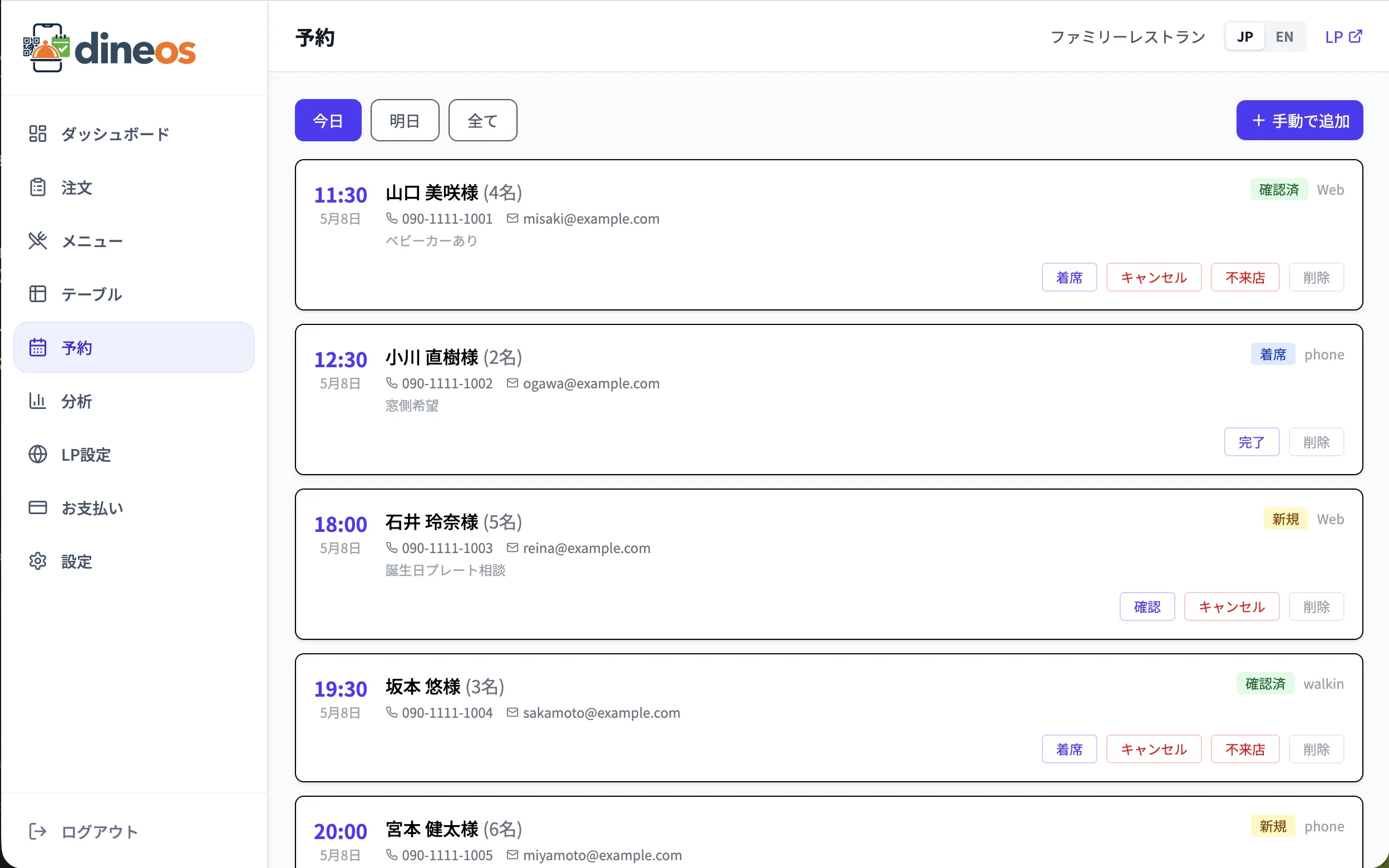
Reservations have a direct impact on revenue. Yet restaurants relying on paper logs and phone calls routinely face double bookings, low seat utilisation, and empty tables from no-shows.
Tip 1: Accept reservations 24 hours a day
Are you missing bookings outside business hours? An online reservation form on your restaurant page accepts late-night and closed-day bookings automatically. With Dineos you can match the theme, colour, and fonts to your venue's atmosphere.
Tip 2: Match reservation slot length to your turn time
Tune slot length to your cuisine and operation — 60-min lunch slots, 90–120-min dinner slots. Too short and the kitchen can't keep up; too long and seat utilisation drops.
Tip 3: Use blocked windows strategically
For private events, all-shop reservations, maintenance, or staff training, mark the time as blocked in the calendar. You stop fielding "are you open?" calls and your team stays focused.
Tip 4: Use statuses to visualise the day
Move bookings through New → Confirmed → Seated → Completed. When the whole staff sees the same screen, the front, kitchen, and cashier coordinate without friction.
Tip 5: Use analytics to map peak demand
Check day-of-week and hour-of-day trends in monthly reports. If reservations concentrate in unexpected windows, adjust staffing and menu accordingly.
Reservation management is included in Lite, Standard, and Pro plans.