📱
QR Self-Ordering
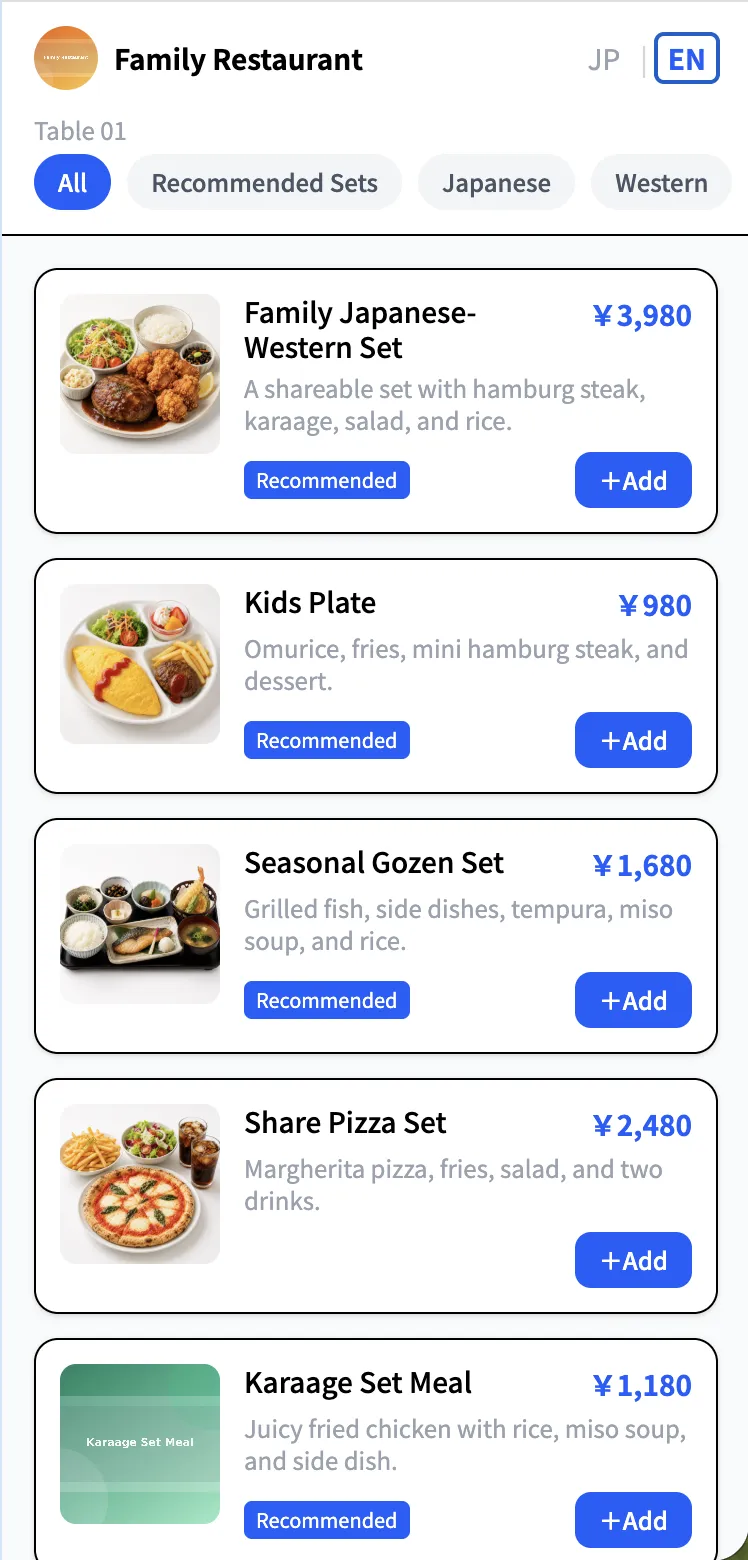
Guests scan the table QR and order directly from their own phone — a complete self-ordering system. New orders arrive on staff devices in real time.

QR self-ordering, staff order entry, online reservations, table management, and sales analytics in one dashboard. No expensive dedicated handheld terminals required.
¥0 setup fee · ¥0 device cost · first 3 months at ¥0/month
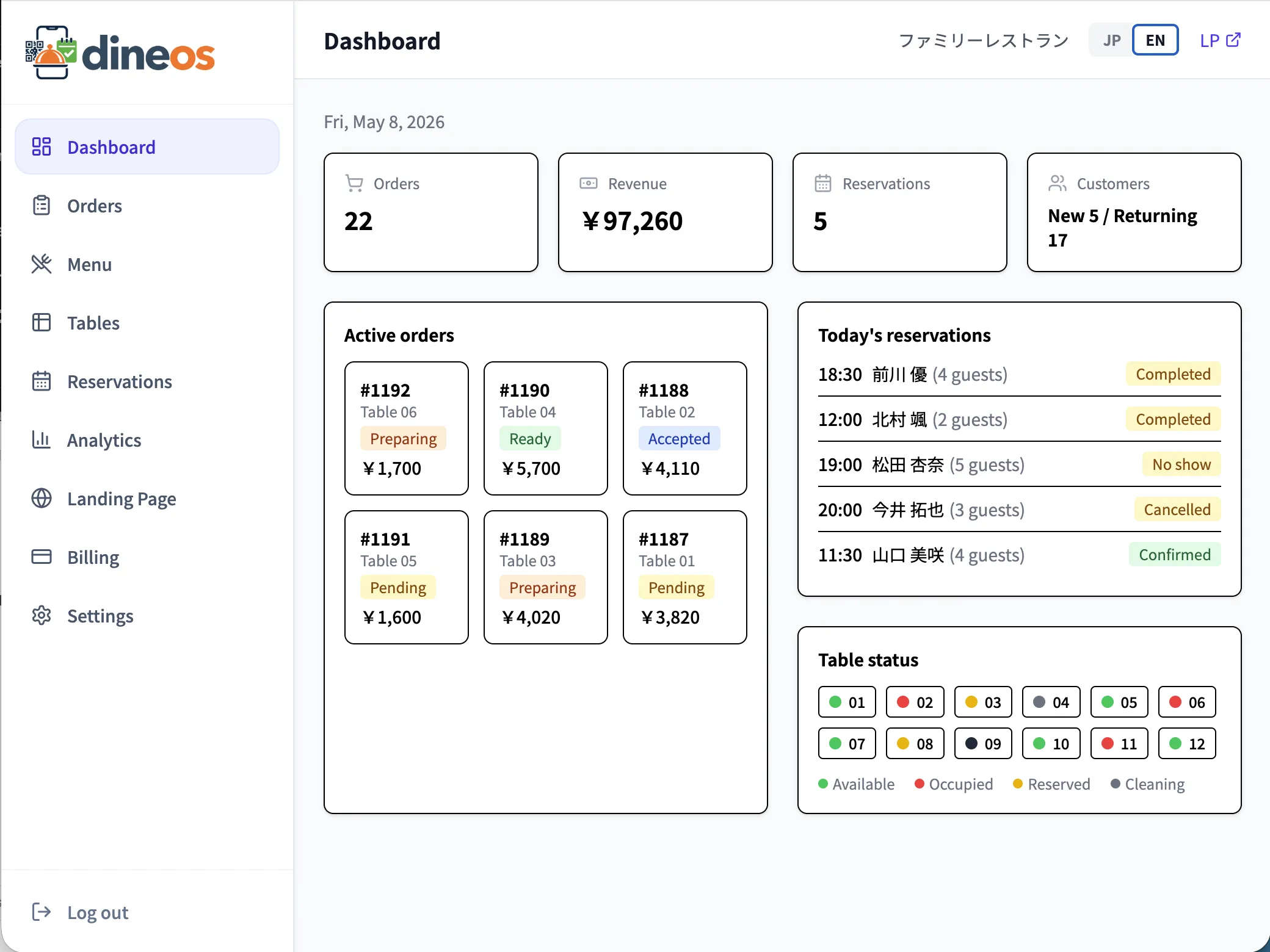
Dineos staff order entry is a browser-based order-entry app that runs on Android and iPhone browsers. Perfect for tables where QR self-ordering is not ideal, add-on recommendations, or tableside service at peak. Staff log in with a 4-digit PIN and enter orders by table, item name, or item code.
Skip expensive dedicated handheld terminals. Use smartphones, shared Android devices, or tablets — add it to the home screen and it launches like a native app.
Let guests order via QR and have staff enter orders for the same table. You do not have to lock into one ordering style.
Each order is tagged with the staff name, making floor-to-kitchen checks clearer, reducing peak-hour mistakes, and helping with coaching.
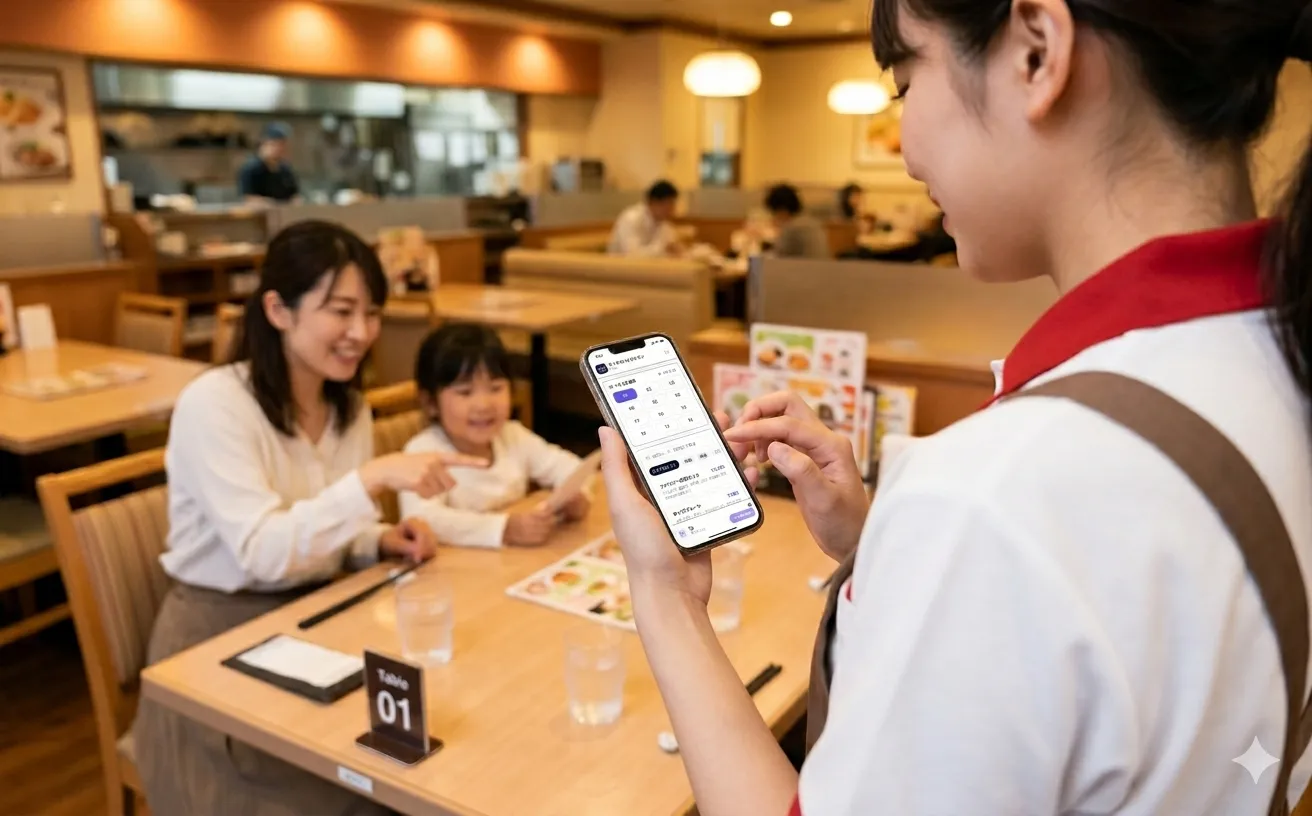
Restaurants using Dineos restaurant pages and operations tools.
No more juggling between five different tools.
Guests scan the table QR and order directly from their own phone — a complete self-ordering system. New orders arrive on staff devices in real time.
On Standard and Pro plans, staff can enter orders from smartphones or shared devices. A browser-based order-entry app — no dedicated hardware. Item-code shortcuts for fast input.
Online, phone, and walk-in reservations — all in one place. Availability auto-calculated.
See every table at a glance. Switch between available, reserved, and seated with one tap.
Manage categories, items, and options intuitively. Mark sold-out in one tap.
Every staff device stays in sync. Sound + browser notifications mean nothing is missed.
Visualize revenue, popular items, peak hours. Make decisions with data.
Sign up and your restaurant gets a polished landing page automatically. Choose from 6 themes.
An interface your staff can pick up in minutes, no manual required.
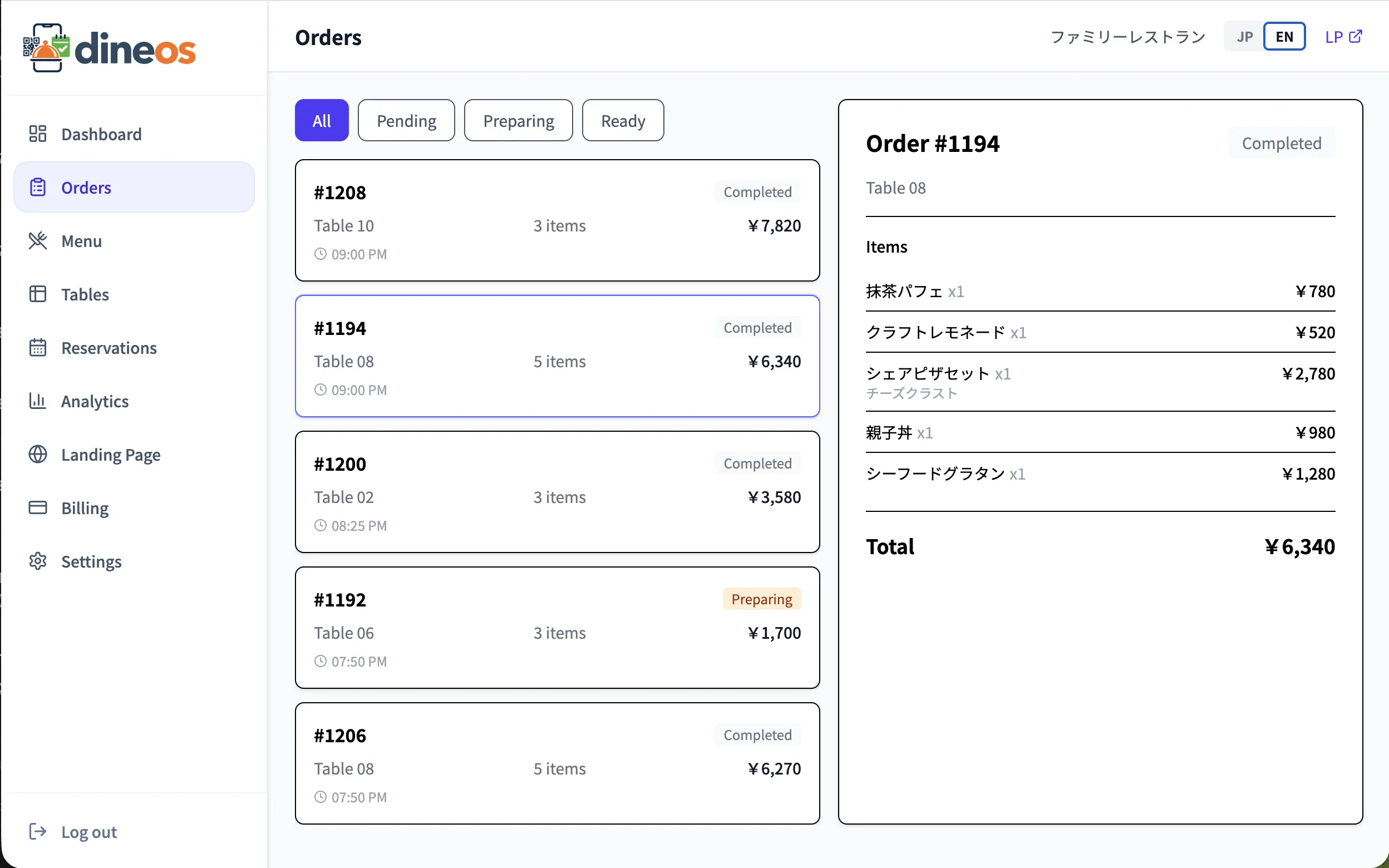
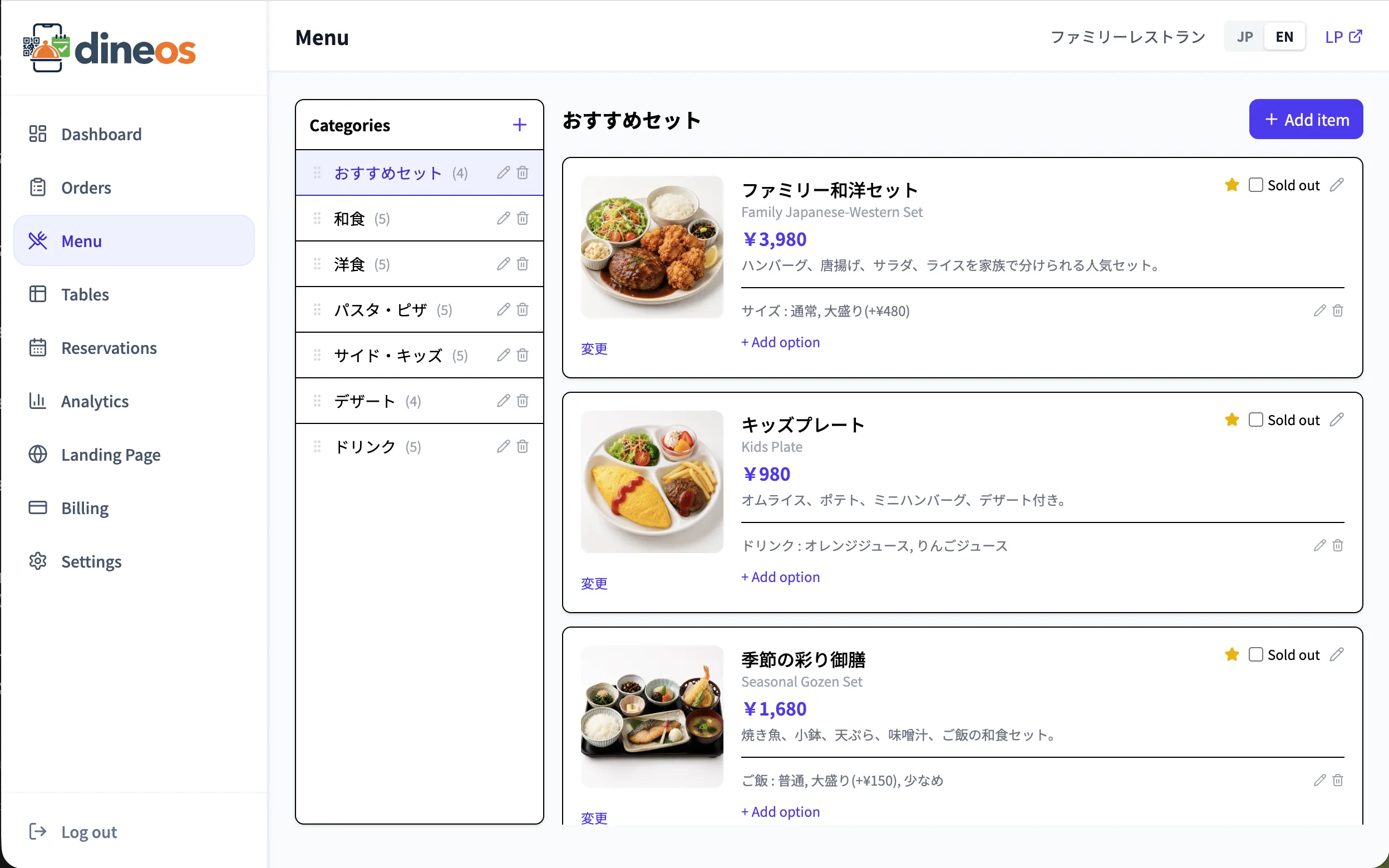
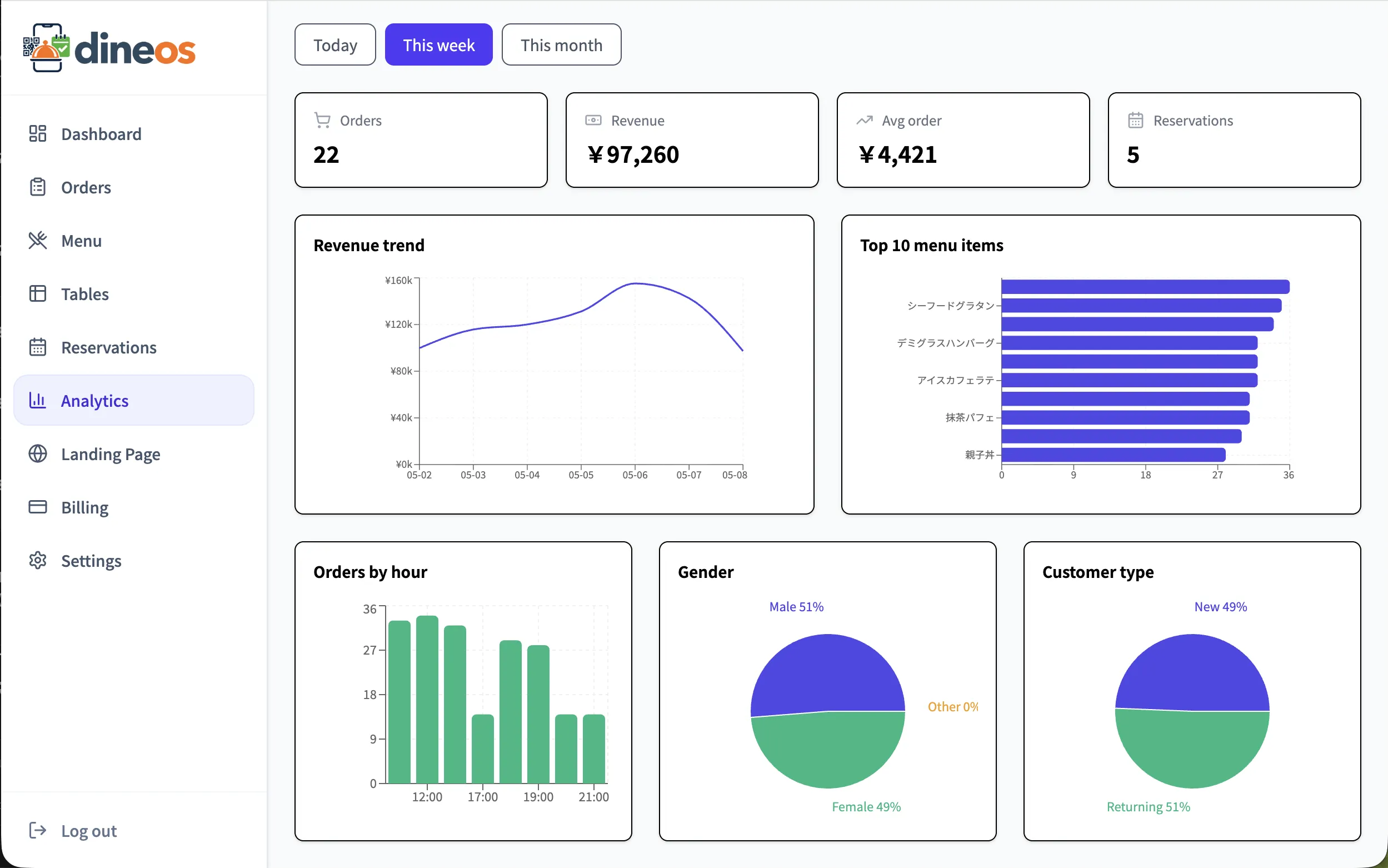
Guests order via QR. Staff enter orders from the staff order-entry app. Both flow into the same dashboard.
Just enter your email and basic restaurant info.
Add tables and register your menu.
Print and place QR codes on each table.
Manage reservations, orders, and tables in real time.
Quick answers to the things people ask most. The full FAQ has detailed setup and operating guides.
No setup fee, no device cost, and first 3 months at ¥0/month.
Start 3 months free